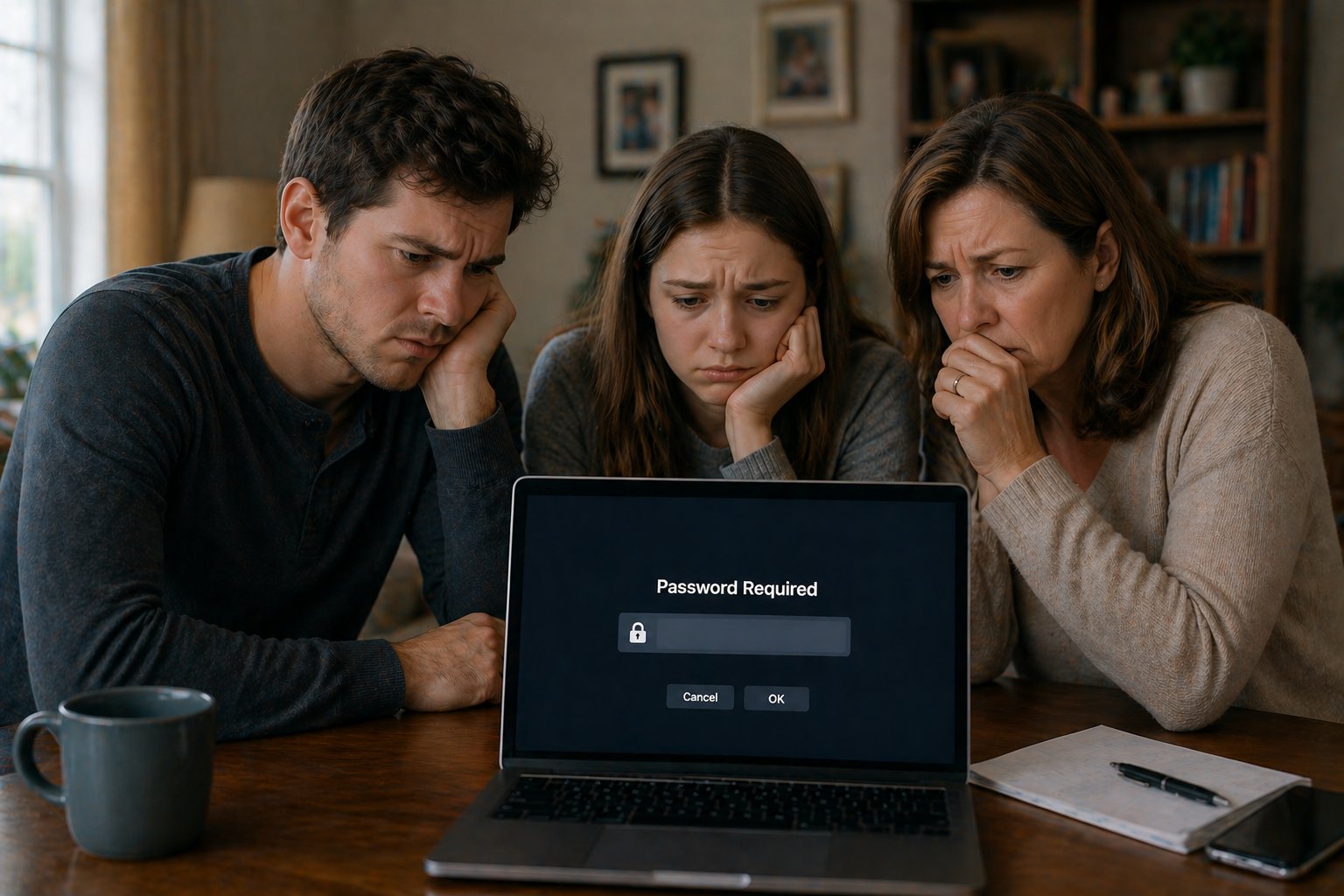
Without a plan — locked out, lost, and overwhelmed
With Afterlife Assistant — everything exactly where it should be
✦ Peace of mind for what comes next ✦
A secure, private desktop application that gives your loved ones access to exactly what they need — nothing more, nothing less.
One-time purchase · Windows desktop app · No subscription, ever
Afterlife Assistant is a Windows desktop application for digital estate planning — designed to help individuals and families organize important documents, account information, and final instructions in one secure, access-controlled place. Unlike cloud-based services, everything stays locally on your PC with no subscription fees. Whether you're looking for software to organize files for family after death, a way to leave a digital legacy for loved ones, or simply a secure place to store passwords and documents your family will need, Afterlife Assistant is built for exactly that purpose — simple enough for anyone, private enough for everything.
What it does
Only the people you authorize can get in. Set an admin password and optional access codes so the right people see the right things.
Open Word documents, Excel spreadsheets, folders, and custom files directly from the app — even password-protected ones.
Include a video — a farewell message, instructions, or anything meaningful — that plays directly from the memorial screen.
Optionally send yourself a notification when someone logs in, and provide quick access to a designated email account.
Lock the app into fullscreen on a dedicated machine — no taskbar, no Alt+Tab, no way out except through the app itself.
Everything stays on your computer. No cloud, no internet required after setup. Your data never leaves the machine.
How it works
Buy once, download the installer, and run it on your Windows PC. A setup wizard walks you through everything in about two minutes.
Set your admin password, add your important files, write a personal message, and decide who gets access and how.
The app sits quietly on the desktop. When the time comes, your family sees exactly what you prepared — no confusion, no searching.
Who it's for
Most people have important information scattered everywhere — account credentials, legal documents, insurance policies, final wishes. When the time comes, families are left searching through drawers, emails, and old files during one of the hardest moments of their lives.
Afterlife Assistant puts everything in one secure, controlled place on a computer your family already has access to. You decide what they see, when they see it, and who can see it.
It's not morbid — it's considerate.

"I set it up in no time! Now I know my family won't be scrambling through my computer maze, or paperwork trying to figure out what to do."— Early user feedback
Pricing
One-time purchase
$49 one-time · License key delivered instantly by email · 7-day refund policy
Questions
Without a plan, your digital files — documents, photos, account credentials, and important records — become inaccessible or lost. Banks freeze accounts, email providers may delete inboxes after inactivity, and subscriptions keep charging. Your family is left searching without knowing where to look or how to access anything. Planning ahead means everything is in one place, ready when it's needed.
Digital estate planning is the process of organizing your digital assets — accounts, files, passwords, and final instructions — so your family can access and manage them after you're gone. It goes beyond a traditional will, which typically covers physical assets, to include the online accounts and digital information that make up so much of modern life.
At minimum: financial account information, login credentials for important accounts, insurance policies, legal documents, and your personal wishes. More complete plans also include a personal message or video, instructions for specific accounts, contact information for your attorney and financial advisor, and guidance on what to do with each asset.
The key is creating a single, secure, accessible location — not scattered across folders, email attachments, and filing cabinets. Afterlife Assistant is designed specifically for this: one application on your Windows PC that gives your family controlled access to exactly what they need, without having to search through everything you own.
They'll need your will, death certificates (multiple copies), financial account information, insurance policies, property deeds, Social Security information, and login credentials for accounts that need to be closed or transferred. Medical directives and burial instructions are also important. The full checklist is covered in our estate planning guide.
Yes — Afterlife Assistant is a Windows desktop application built for exactly this purpose. It lets you organize documents, files, passwords, and personal messages in one secure place, with access controls so only the right people can get in. It runs locally on your PC — no cloud, no subscription, no ongoing cost.
Afterlife Assistant lets you store sensitive information — including passwords — behind an access code that only your designated person knows, or that you share in a sealed envelope. You stay in full control while you're alive. The information is there when it's needed, without being exposed before then.
A will is a legal document covering the distribution of physical assets after death. A digital estate plan covers the practical side — account access, passwords, digital files, and instructions for what to do and how to do it. Both are important. A will without a digital plan leaves families with legal clarity but no practical access to the accounts and files they need to manage.
The safest approach is a dedicated application with access controls — not a spreadsheet, not a notebook, and not a cloud service that could be locked or deleted. Afterlife Assistant stores passwords locally on your computer, protected by an admin password you control, with an optional secondary access code for extra-sensitive content.
Yes. Afterlife Assistant supports linking a video file that plays directly from the memorial screen. Many people use this for a personal farewell message, specific instructions, or just something meaningful they want their family to have.
You can link to Word documents, PDF files, Excel spreadsheets, text files, folders, and video files. These open directly from the app using whatever program the computer already has installed. You can also set up email access and include additional custom files.
Yes — after the initial license activation, the app runs entirely offline. Nothing is stored in the cloud, nothing is uploaded anywhere, and no internet connection is required. Your data stays on your computer.
Not at all. Afterlife Assistant includes a step-by-step setup wizard that walks you through everything in about two minutes. No technical knowledge is required. If you can use a computer, you can set this up.
With Afterlife Assistant, your data never leaves your computer. There is no server, no cloud storage, and no third party involved. Everything is stored locally and protected by a password you set. This is fundamentally more private than any cloud-based service.
Log in as admin anytime and update whatever you need — files, messages, access codes, or settings. There's no limit on updates and no additional cost. Your information should stay current, and the app makes that easy.
Immediately after your payment is confirmed, you'll receive an email with your unique license key and a download link for the installer. The whole process is automatic — no waiting.
Windows 10 and Windows 11 (64-bit). The app does not run on Mac or Linux.
Afterlife Assistant is digitally signed, but as a newly released application it hasn't yet built up the download history Windows uses to recognize established software. You may see a "Windows protected your PC" SmartScreen notice on first install — this is expected for new software and not a sign of a problem. Click More info, then Run anyway to proceed. This notice will become less common as more people install the app.
The license is tied to the machine it was first activated on. If you need to move to a new computer, contact us and we'll sort it out.
The app includes a built-in help guide, and a full help document is included with your purchase. For additional questions, you can reach us by email.
Refund Policy
We want you to be confident in your purchase. If you experience a technical issue that prevents you from installing or activating the software, we will issue a full refund — no questions asked.
Refunds are available within 7 days of purchase if the software cannot be successfully installed or activated on your Windows PC.
Refunds are not available once the software has been successfully activated, as the license key has been delivered and the software is fully functional.
To request a refund, email support@afterlife-assistant.com within 7 days of your purchase with your order details and a brief description of the issue.
Your purchase is confirmed. Check your email for your license key and download link. It may take a minute to arrive.
Note: Windows may show a "Windows protected your PC" or SmartScreen warning when you first run the installer — this is normal for newly released software and not a sign of a problem. Click More info, then Run anyway to continue.
Didn't receive it? Check your spam folder, or contact support@afterlife-assistant.com